![janes.jpg]](https://i.janes.com/hs-fs/hubfs/janes.jpg?height=40&name=janes.jpg)
More detailed help on using Maps can be found in the general online help guide.
This section demonstrates how to:
- Access the events database as a geospatial layer
- Select the types of events you want to view
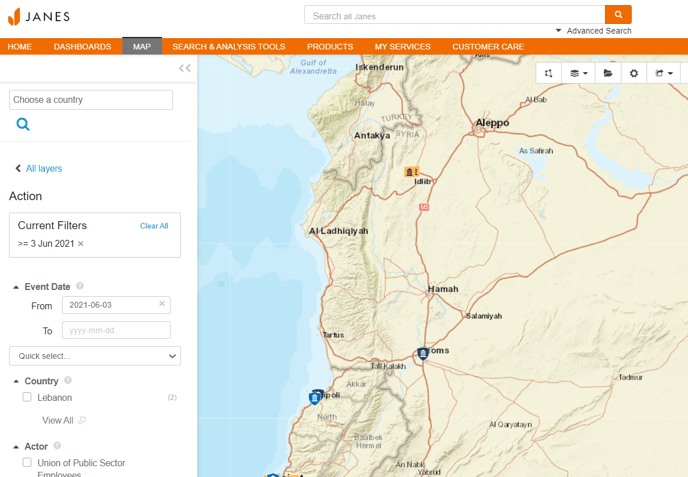
- Filter your results
Accessing Intelligence Events on a map
You can access the map via the Map tab in top navigation
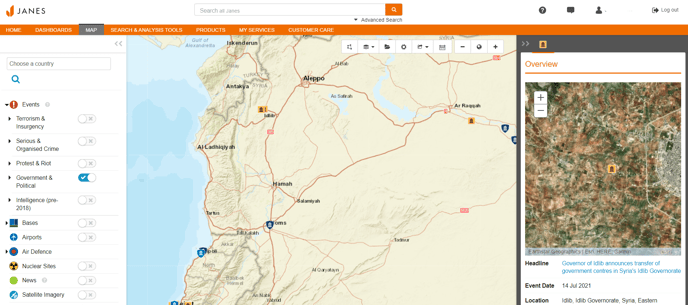
Selecting your event type
Use the Map Layers menu on the left hand side of the screen to select the type of events you want to view. Once you have chosen your event type, you can click on the events on the map to access the full document.
Filtering your results
Filter your results by expanding the drop down against your chosen event type.
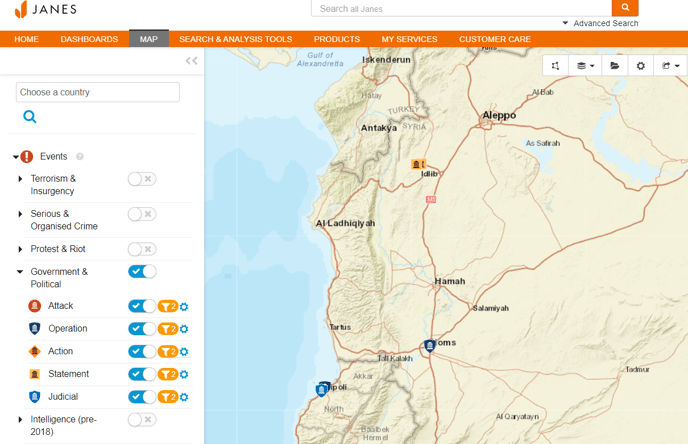
Then click the orange filter icon to get to the filter results screen.