Accessing, Searching and Exporting Maps
The map provides a geospatial environment to display Janes layers. The geospatial layers available will depend on your subscription access.
This section demonstrates how to:
Accessing the map
You can access maps through the “Map” tab in the top navigation. The map provides a geospatial environment to display Janes layers. The geospatial layers available will depend on your subscription access.
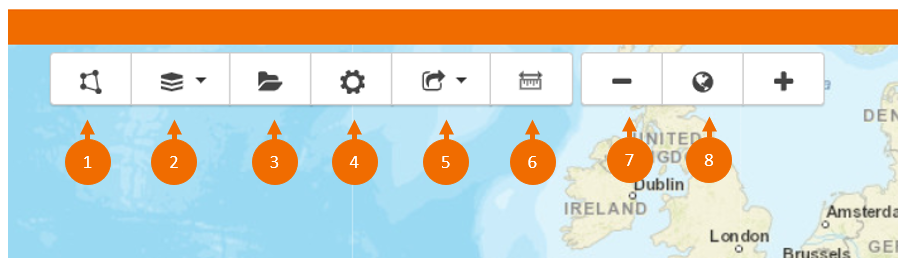
- Draw or load a custom search area
- Select your base layer
- Save your searches
- Settings, select a custom view
- Export your map
- Measuring tools
- Zoom in and out of the map
- Load country areas
Searching the map
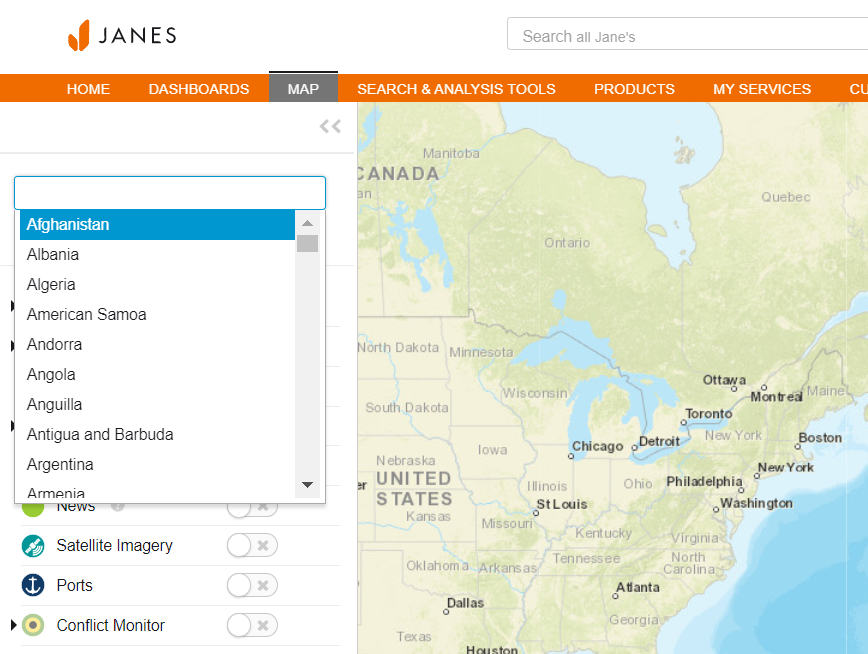
The maps can be searched by location using the drop down menu.
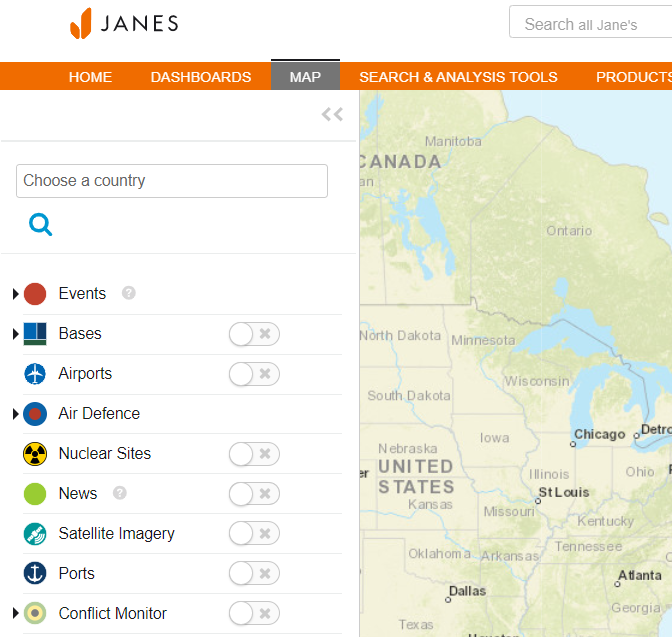
The map can also be searched by layer.
Exporting maps
You can export data by layer (geopackage or SHAPE file) and download the map as an image.
To start your export, select your chosen option from the drop down menu.
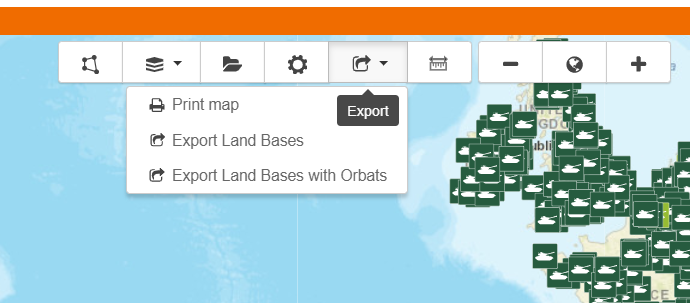
You can then select the file type of your choice using the drop down menu.
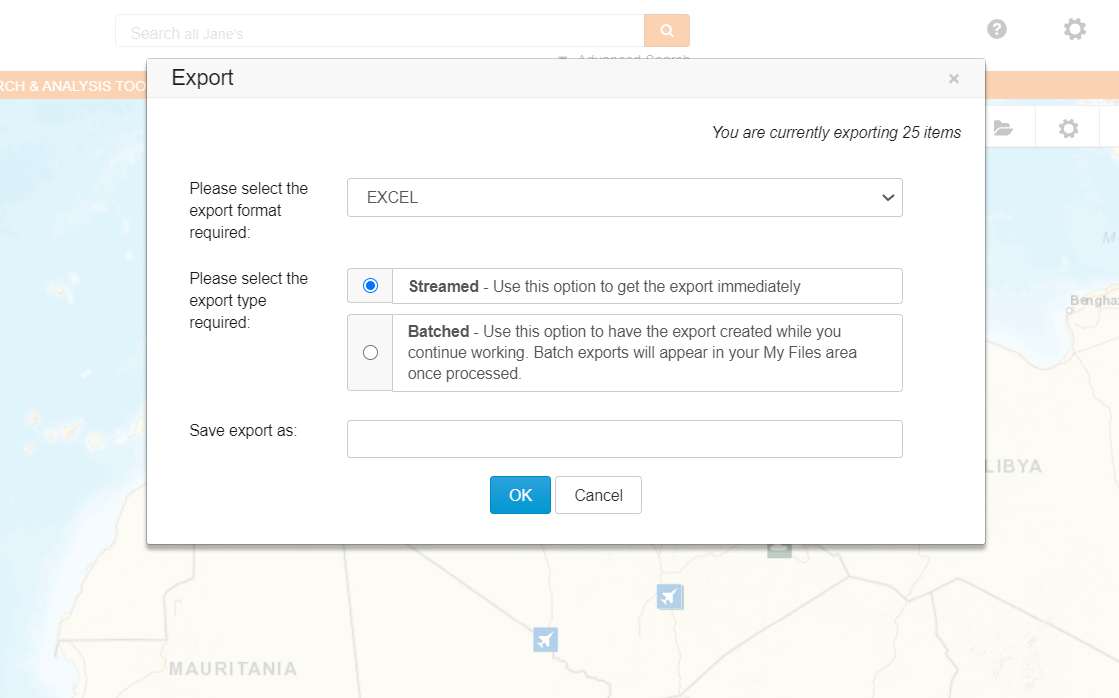
You can also choose to export your file immediately or subscribers with an individual profile can create a batched file and you can continue working. See "Accessing your Exported Files" section for more information.
Copyright © 2020 Janes Group UK Limited. All rights reserved.