![janes.jpg]](https://i.janes.com/hs-fs/hubfs/janes.jpg?height=40&name=janes.jpg)
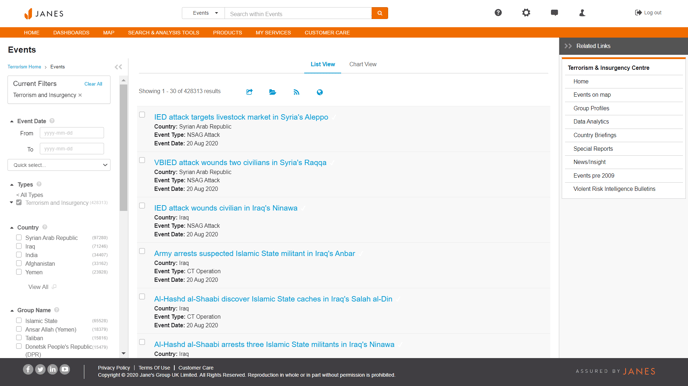
This section demonstrates how to access the events database as a list, on a chart or a map.
Events Database: List View
Events data can be viewed as a list, chart or geospatial layer that can be ingested into GIS systems for analysis and integration with related layers.
This section demonstrates how to:
- Access the Events Database - List View
- Filter your results
Accessing the Events Database as a List
The events database can be accessed via the Shortcuts from the homepage.
Events Database: Charts
A number of pre-created charts are available around key trends and topics related to events.
This section demonstrates:
- How to access the Events Database Charts
- How to filter and manipulate the charts
Accessing the Events Database Charts
Charts can be accessed via the Shortcuts on the homepage.
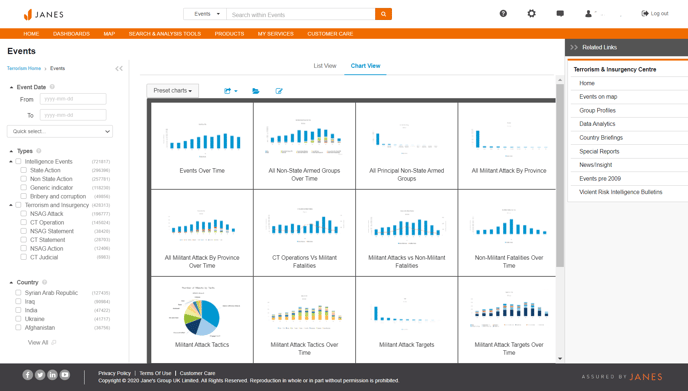
Pre-created charts available
A number of charts are available within Janes Terrorism and Insurgency Centre:
- Events over time
- All Non-State Armed Groups Over Time
- All Principal Non-State Armed Groups
- All Militant Attack By Province
- All Militant Attacks By Province Over Time
- CT Operations vs Militant Fatalities
- Militant Attacks vs Non-Militant Fatalities
- Non-Militant Fatalities Over Time
- Militant Attacks Tactics
- Militant Attacks Tactics Over Time
- Militant Attacks Targets
- Militant Attacks Targets Over Time
Events Database: Map View
View the Janes Terrorism and Insurgency Intelligence Centre events as a geospatial layer using the Map interface.
More detailed help on using Maps can be found in the general online help guide.
This section demonstrates how to:
- Access the events database as a geospatial layer
- Select the types of events you want to view
- Filter your results
Accessing JTIC events on a map
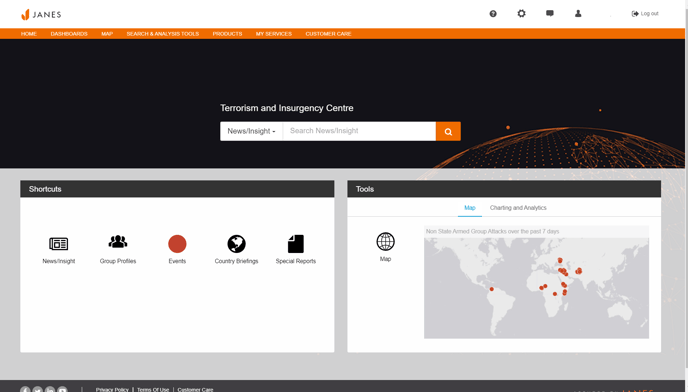
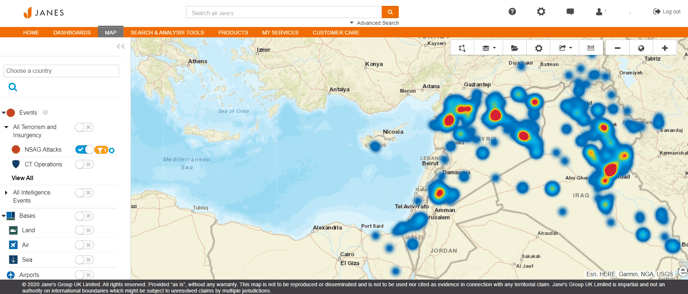
You can access the map via the Map tab in top navigation, or via Tools on the Janes Terrorism and Insurgency Centre homepage.
Selecting your event type
Use the Map Layers menu on the left hand side of the screen to select the type of events you want to view. Once you have chosen your event type, you can click on the events on the map to access the full document.
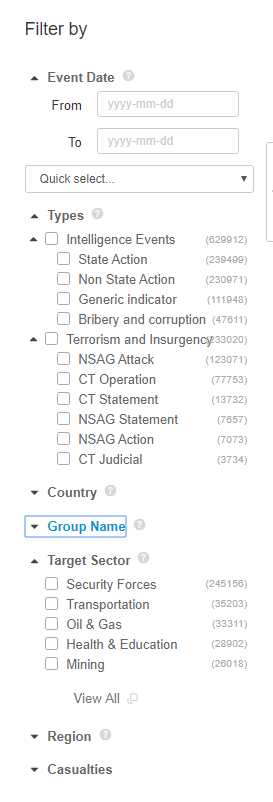
Filtering the Events Database
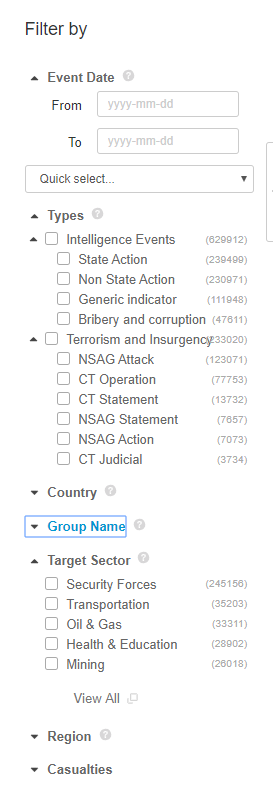
Filters are contextual and will change as you select criteria.
A full list of definitions for the criteria for each of these filters can be found in the "Definitions" section of this help guide.
Filtering your chart
Use the filter menus on the left hand side to filter and refine your chart.