![janes.jpg]](https://i.janes.com/hs-fs/hubfs/janes.jpg?height=40&name=janes.jpg)
Once a document is opened there are options available as to how that document view is set out. Any changes you make will persist. Where a document has been added to or updated, new text is shown in green.
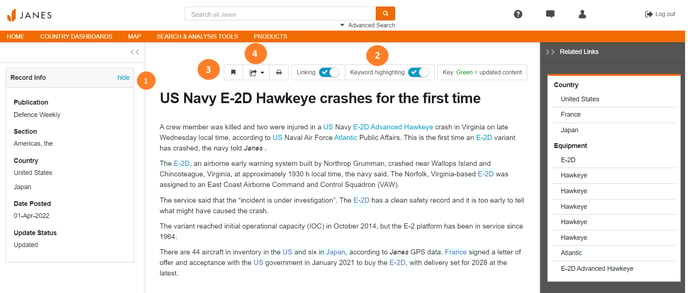
- This pane provides information about the document, click “hide” to close.
- Click to turn the keyword highlighting on or off, keywords are highlighted if they were part of your search term.
- Add bookmark saves the document in the “My Bookmarks” area which can be found under “My Services”.
- Click to export to Word, as a PDF document or to print.