![janes.jpg]](https://i.janes.com/hs-fs/hubfs/janes.jpg?height=40&name=janes.jpg)
Starting a search from the homepage
When you start a search from the homepage any previous search criteria you have entered will be cleared. Homepage searches will also search across your subscription excluding results from Janes Intelligence Review, Janes Defence Procurement, Janes Defence Sector Budgets and Janes Terrorism & Insurgency Centre.
Start a search by entering a search term in the search box.

Starting a search from Advanced Search
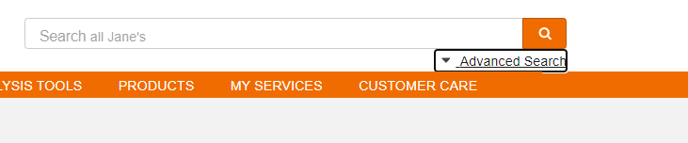
To start an Advanced Search simply click "Advanced Search" below the Search bar.
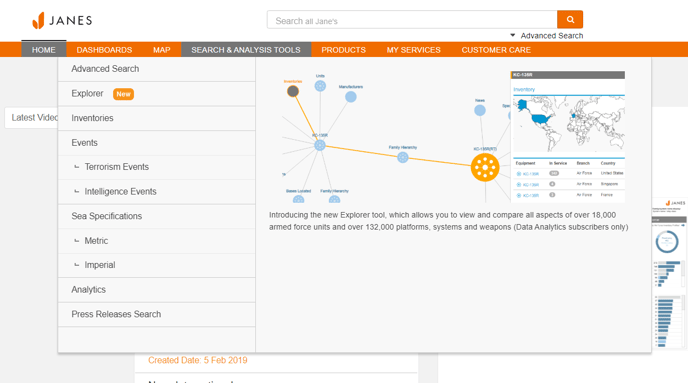
Or navigate to "Search & Analysis Tools" in the top navigation and select "Advanced Search" from the menu items. Advanced search will allow you to easily build a complex search.
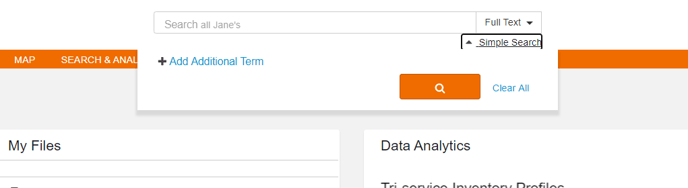
You can start by adding key words or phrases to the search box, you can then select from the drop down on the right whether to confine your search to the title only or full text. Click “+” to add an additional row, you can then select “And”, “Or” or “Not” from the drop down to the left of the search box. This will determine the logic of your search.
You can also add additional filtering options from the list on the left hand side of the screen to further narrow your search results.
Contextual searches
Janes search is contextual once you enter a product area; this means that once you begin a search within a product, you will only be searching that product rather than your entire subscription.
Null searches
Using a null or blank search means that you will see all available search results without any contextual filters being applied. Simply leave the search box empty and click search. You can then refine your search by category and filter as required.