![janes.jpg]](https://i.janes.com/hs-fs/hubfs/janes.jpg?height=40&name=janes.jpg)
- View data on the map
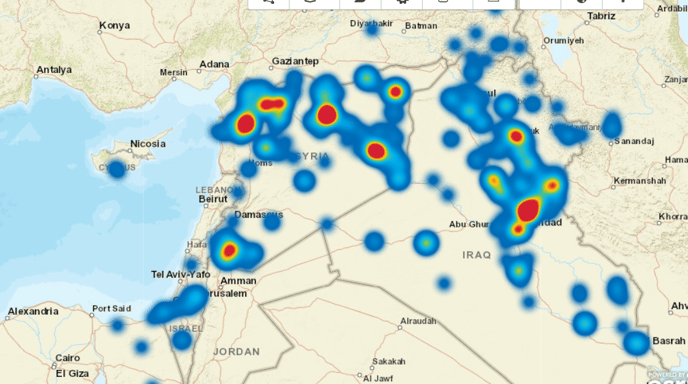
- Use heat maps
- Record Lat Long coordinates and conduct map measurements
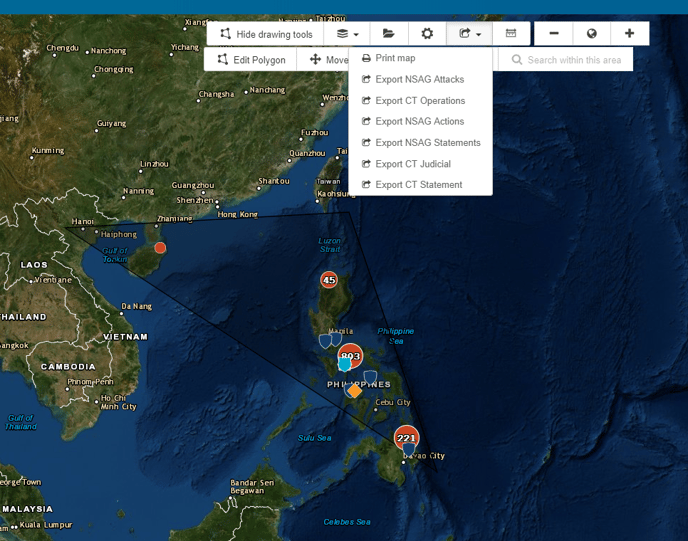
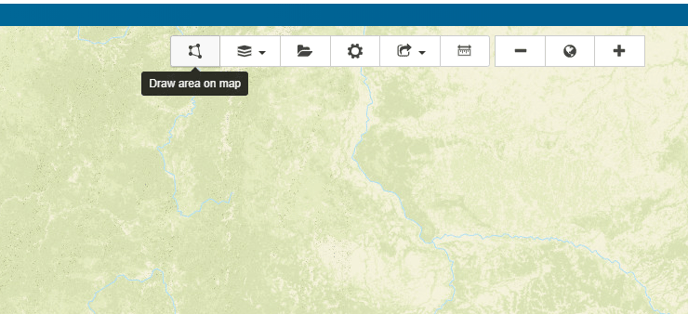
- Create polygon search areas
- Set up saved searches and email alerts based on a custom area
Viewing data on the map
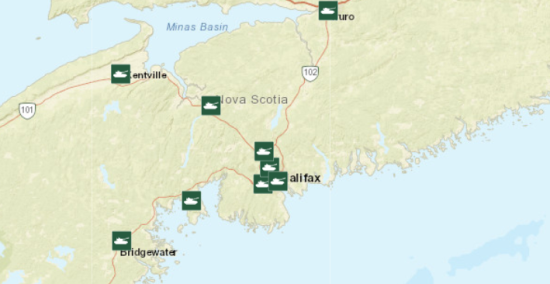
Using the settings you can switch between viewing your data as single points or as a group.
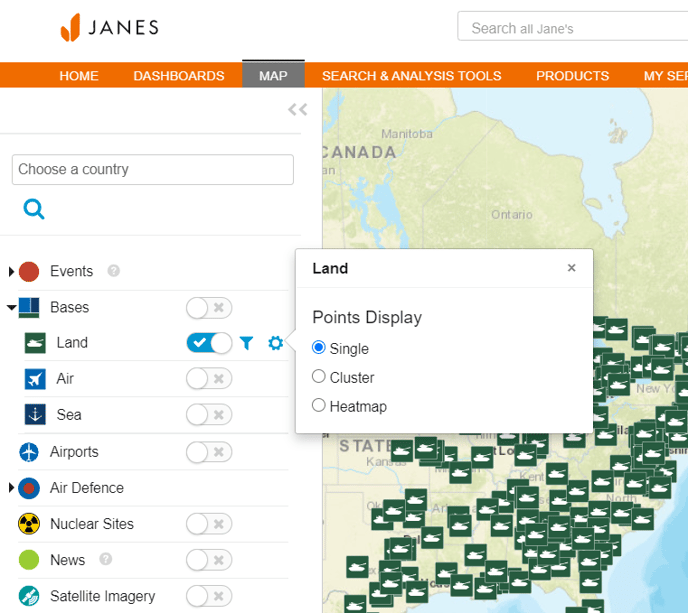
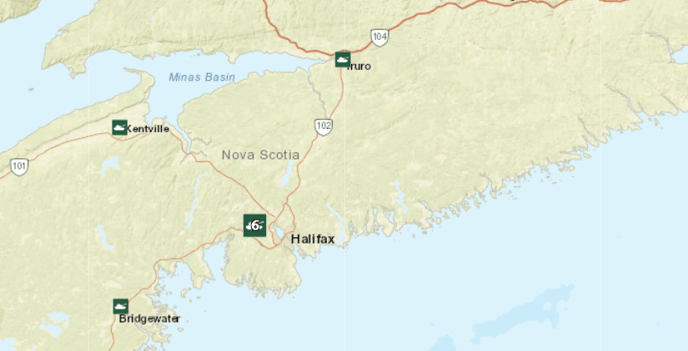
For example without the single point option enabled you would view a group of military bases as below:
The same information would be displayed as below in the single point view:
Heat Maps
Linked to temporal tools, access millions of data points across 500,000+ events to examine change over time. You can also examine data across various tactics and export your results.
Recording Lat Long Coordinates and Map Measurements
Select unit either area or distance
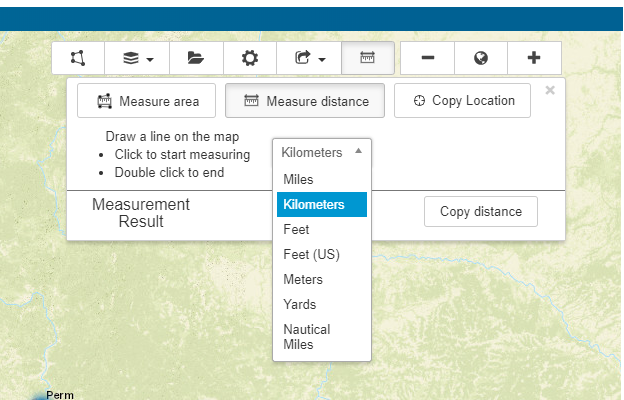
Click, drag and double click to complete a measurement. Select copy to save to your report.
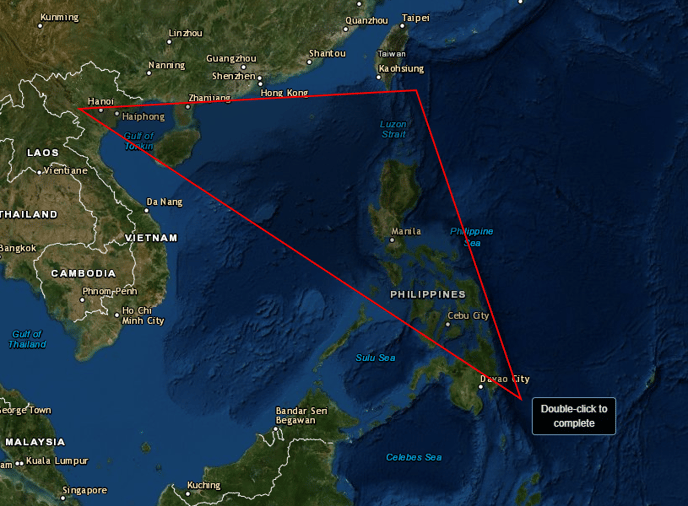
Create Polygon Search Areas
Create polygon search areas and set up saved searches and email alerts based on the custom area
Select the polygon icon and "Draw custom area search"
Click each point and double click to select area
Saved Searches and Data Extraction
You can now choose to move or delete your polygon or search within your selected area.
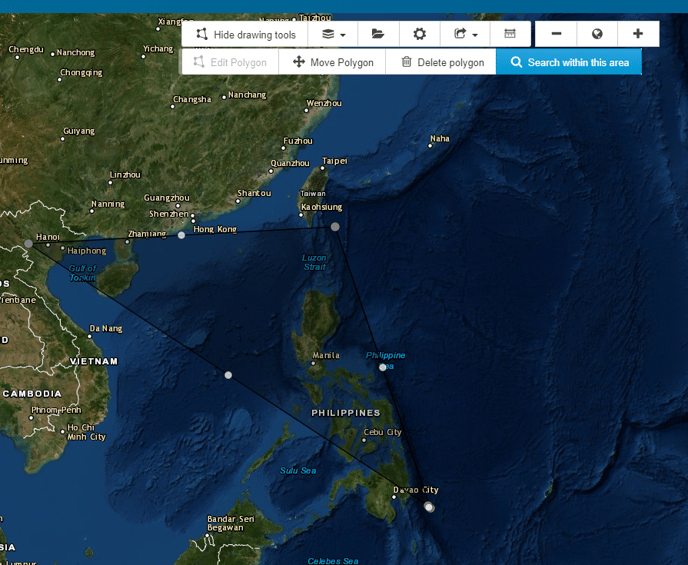
You can now choose to search within your selected area and export your data.