![janes.jpg]](https://i.janes.com/hs-fs/hubfs/janes.jpg?height=40&name=janes.jpg)
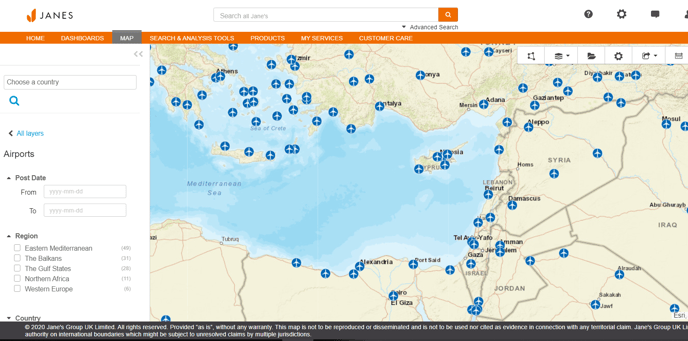
To view each layer check the select box. If additional layers are available these will appear below each heading. When each check box is selected a filter icon will appear next to your selected layer.
Select and deselect your chosen layers.
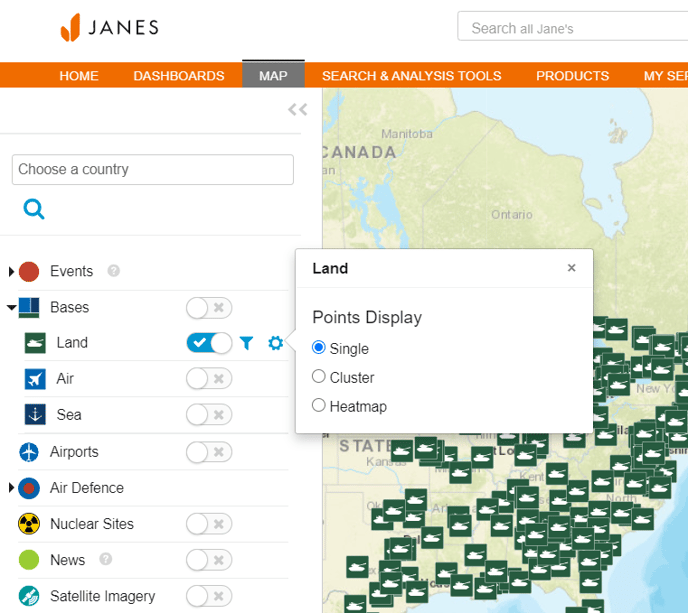
Filters enable you to query the attributes against each geospatial layer. Select the layer required and click on the filter icon to select your required filters. Your selected filters and layers will appear in a box above, to clear your filters either select “clear all” or delete each filter separately by clicking the x.