![janes.jpg]](https://i.janes.com/hs-fs/hubfs/janes.jpg?height=40&name=janes.jpg)
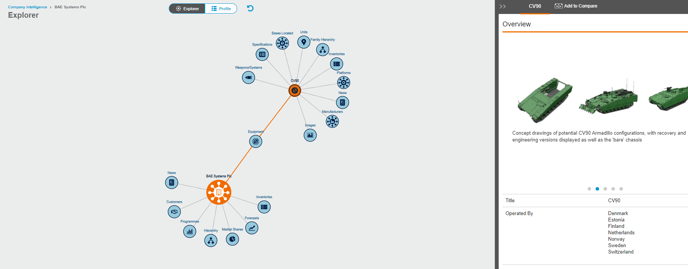
The explorer tool allows the user to view the same sections as within the profile page. The explorer is best used to navigate the connections within equipment associated with the company. The other nodes will only display content in the right hand panel and do not show connections within the explorer tool.
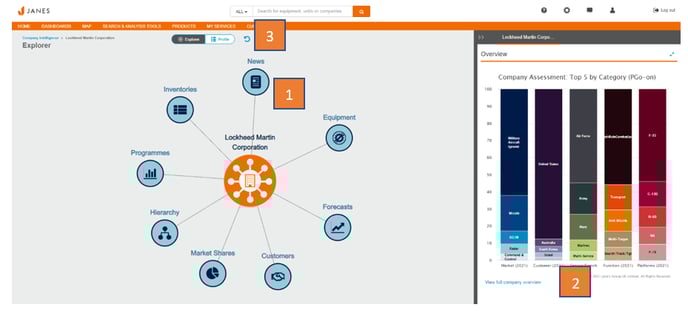
- Click on each of the nodes to explorer the data and view content on the right-hand panel.
- Click on the link below the content “view full…” to see a bigger version. This will automatically open up in the profile view page.
- Click on the return arrow to reset the explorer back to the initial search.