![janes.jpg]](https://i.janes.com/hs-fs/hubfs/janes.jpg?height=40&name=janes.jpg)
Bookmarking a page

To bookmark a page, once in the document, simply click "Add a bookmark".

Accessing your bookmarks
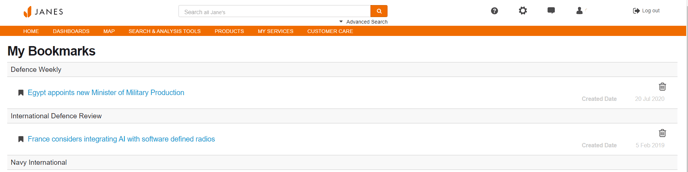
To access your bookmarks, go to "My Bookmarks" in the "My Services" menu in the top navigation bar.
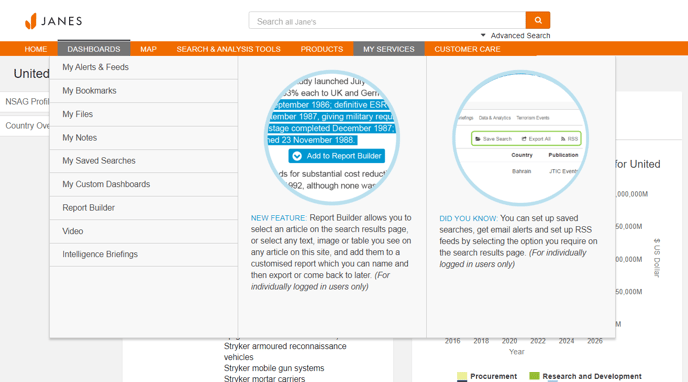
You can also access your bookmarks by adding the "My Bookmarks" widget to your homepage.

Editing and deleting your bookmarked pages
To remove bookmarks you no longer require, simply click on the icon to delete them.