![janes.jpg]](https://i.janes.com/hs-fs/hubfs/janes.jpg?height=40&name=janes.jpg)

Using the batch export functionality
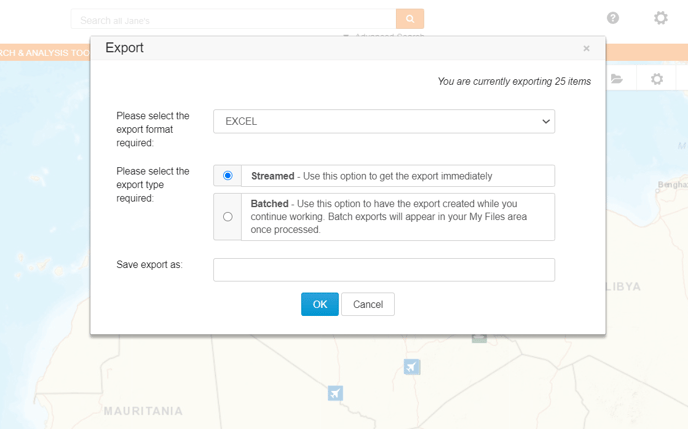
From the export screen, select "Batched" as your export type, give your export a name and click "OK".
Accessing your export
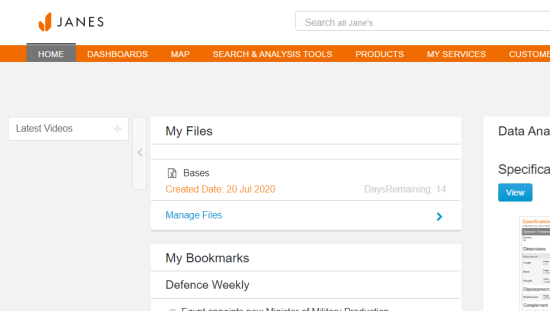
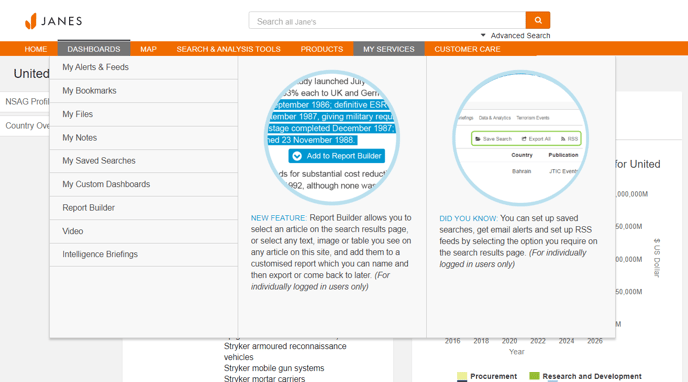
To access your exports, go to "My Files" in the "My Services" menu in the top navigation bar.
You can also access your exports by adding the "My Files" widget to your dashboard.
Retrieving your files
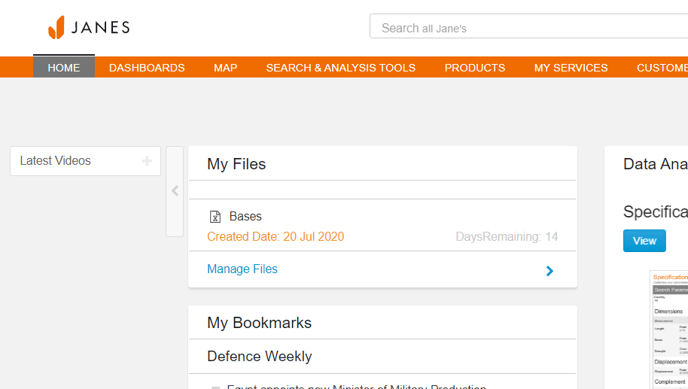
Simply click to retrieve your exported file. Files are kept on the Janes secure system for 14 days.