- Help Centre
- Customising your Experience
-
Getting Started
-
Training videos
-
Understanding the Basics
-
Customising your Experience
-
Maps
-
Scenarios and Case Studies
-
Data Analytics and Visualisations
-
Defence Equipment & Technology
-
Military Capabilities and Country Intelligence
-
Chemical, Biological, Radiology and Nuclear Assessments
-
Country Intelligence
-
Terrorism & Insurgency Centre
-
Intelligence Events
-
Defence Industry and Markets
-
Defence Programmes
-
Defence Budgets
-
Markets Forecast
Bookmarking Pages
You can use the bookmark functionality to quickly access pages that you visit frequently or that are of particular interest.
Bookmarking a page

To bookmark a page, once in the document, simply click "Add a bookmark".

Accessing your bookmarks
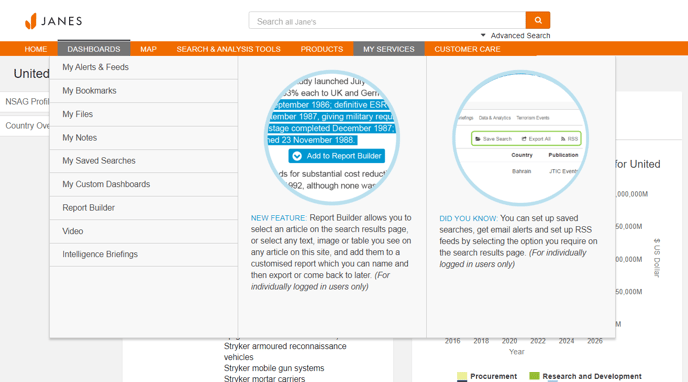
To access your bookmarks, go to "My Bookmarks" in the "My Services" menu in the top navigation bar.
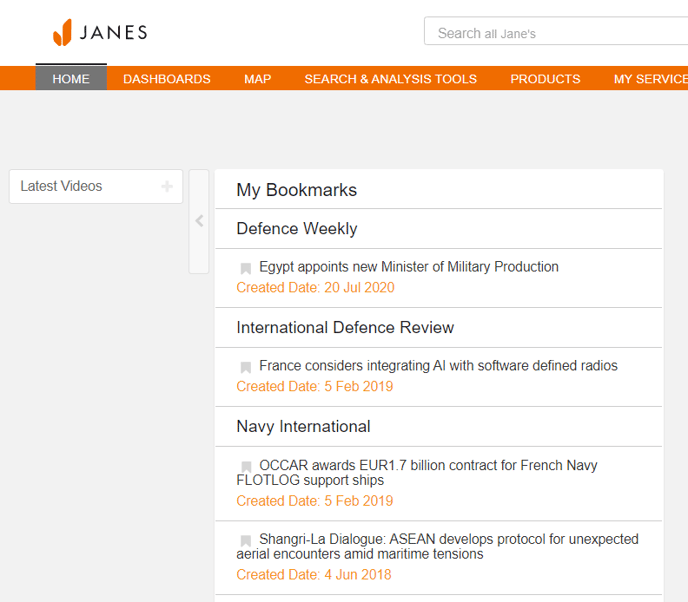
You can also access your bookmarks by adding the "My Bookmarks" widget to your homepage.
Editing and deleting your bookmarked pages
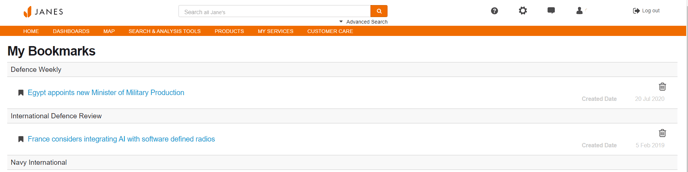
To remove bookmarks you no longer require, simply click on the icon to delete them.